


Handwriting Tool for WeChat on iPhone
Overview
Handwriting Tool for WeChat on iPhone is a free application designed to enhance the user experience when interacting with WeChat on iOS devices. The software enables users to input text via handwriting directly within WeChat, offering an alternative to traditional keyboard typing. This functionality is particularly useful for users who prefer the natural flow of handwriting or require quick note-taking during conversations. The app targets individuals who frequently use WeChat for personal or professional communication and value expressive, intuitive input methods.
Developed by Wen Yun Rong, the tool is tailored for iPhone users running iOS 12.1.2 or later. It supports multiple languages, including English, Taiwanese, and Simplified Chinese, making it accessible to a broad audience across regions. The app was published on Softonic on August 15, 2019, and remains available at no cost. While the developer has not provided detailed information about the app’s background or broader product ecosystem, its core purpose is clear: to simplify and enrich text input within WeChat through handwriting recognition.
Real-world usage scenarios include sending handwritten notes during group chats, signing digital messages, or jotting down quick reminders in a more personal tone. The app is especially beneficial for users who find typing on small screens cumbersome or who wish to add a handwritten touch to their digital interactions. As a lightweight utility, it integrates directly into the WeChat environment without requiring additional setup.
Key Features & Capabilities
- Handwriting Input Integration – Allows users to write directly on the screen using a finger or stylus, converting handwritten strokes into digital text within WeChat.
- Multi-Language Support – Offers compatibility with English, Taiwanese, and Simplified Chinese, enabling diverse users to input text in their preferred language.
- Lightweight Design – With a file size of 15.7 MB, the app is optimized for efficient storage and fast loading on iOS devices.
- Compatibility with iOS 12.1.2 and Above – Ensures broad accessibility across a range of iPhone models released after 2017.
- Free Access – The software is available at no cost, removing financial barriers to entry for users seeking alternative input methods.
These features support seamless communication by enabling users to send handwritten messages without switching apps. For example, a user can quickly sketch a reminder during a WeChat conversation, which is then converted into readable text. This is ideal for educators, creatives, or professionals who frequently exchange notes or annotations. The app’s focus on simplicity and direct functionality ensures minimal disruption to existing workflows.
User Interface, Workflow & Performance
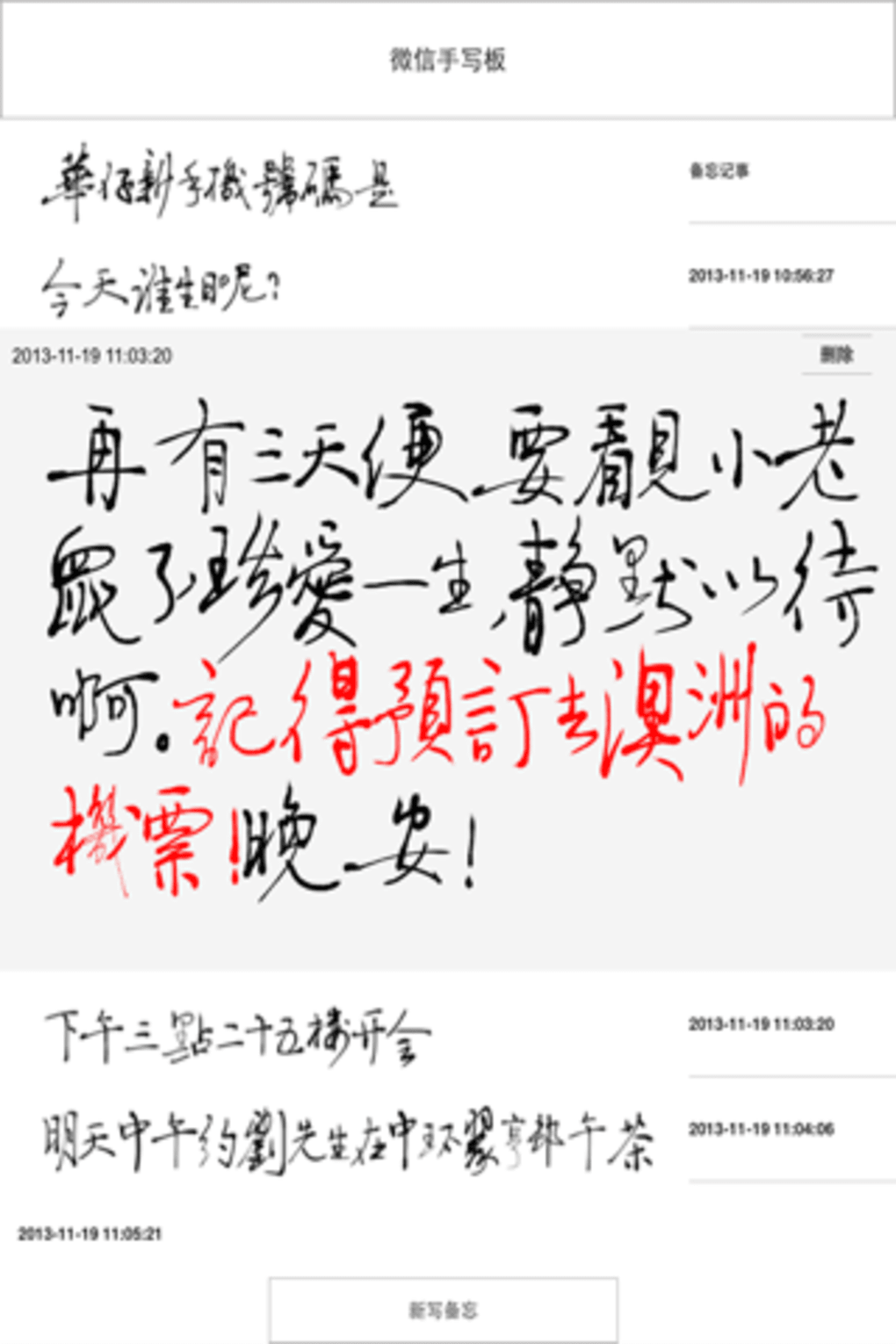
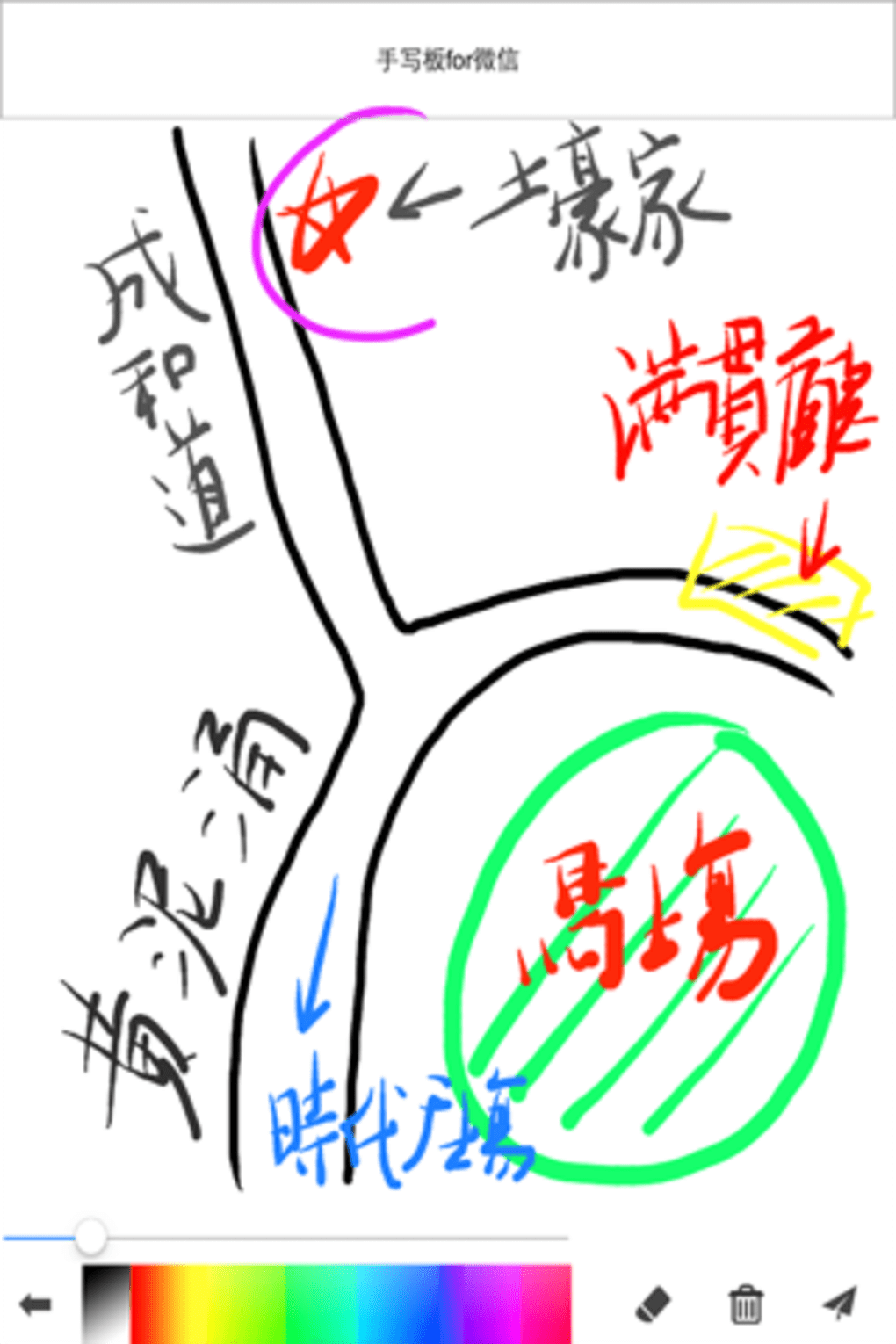
The user interface of Handwriting Tool for WeChat on iPhone is designed for minimalism and direct interaction. It presents a clean canvas for handwriting input, with no unnecessary visual clutter. Navigation is intuitive, allowing users to start writing immediately after launching the app or activating the tool within WeChat.
Workflow efficiency is high, as the app integrates directly into the WeChat environment. Users can initiate handwriting input with a single tap, write their message, and send it without leaving the chat. The conversion of handwritten strokes into text is handled in real time, reducing delays and maintaining conversational flow.
The developer did not specify resource usage details. However, given the app’s lightweight size of 15.7 MB and its role as a utility tool, it is expected to operate efficiently without significant impact on device performance. Stability is assumed based on its long-standing presence on Softonic and consistent availability since 2019. No reports of crashes or freezes were noted in publicly available information.
Compatibility & System Requirements
Handwriting Tool for WeChat on iPhone is designed for iOS devices, specifically requiring iOS 12.1.2 or a later version. This ensures compatibility with a wide range of iPhone models released from 2017 onward, including iPhone 8 and newer. The app’s installation size is 15.7 MB, which is relatively small and suitable for devices with limited storage.
Exact system requirements were not listed beyond the OS version. The developer did not provide information on CPU, RAM, or graphics specifications. Platform compatibility information is limited to iOS, with no indication of support for iPad or other Apple devices. Users are advised to ensure their device meets the minimum OS requirement before installation.
Pros and Cons
Pros
- Free to use with no hidden costs
- Lightweight at just 15.7 MB
- Direct integration with WeChat for seamless workflow
- Supports multiple languages including Simplified Chinese and English
- Simple, intuitive interface for quick adoption
Cons
- Limited to iOS platform; no support for Android or desktop
- Exact performance metrics were not provided
- Only available through third-party platforms like Softonic
- No official developer website or support portal listed
- Version 1.3.1 has not been updated since 2019
FAQ Section
Is Handwriting Tool for WeChat available for Android?
The app is currently only available for iOS devices. There is no information indicating support for Android or other platforms.
Is the software secure to download and use?
While the app is free and available through Softonic, users should exercise caution when downloading from third-party sites. The developer did not provide a direct download link or official verification method.
Does the app require an internet connection to function?
The app operates primarily offline, using local handwriting recognition. However, since it integrates with WeChat, an active internet connection is needed to send messages through the platform.
How often is the app updated?
The current version is 1.3.1, released on August 15, 2019. No updates have been reported since then, suggesting limited ongoing development.
Can I use this tool without a stylus?
Yes, the app supports input using a finger. While a stylus may improve precision, it is not required for basic functionality.
Final Thoughts
Handwriting Tool for WeChat on iPhone delivers a focused and practical solution for users seeking an alternative to keyboard input within WeChat. Its free access, lightweight design, and multi-language support make it a valuable utility for iPhone users across different regions. While the lack of recent updates and limited platform availability are notable drawbacks, the app remains functional for its intended purpose.
For individuals who value personal expression in digital communication and prefer handwriting over typing, this tool offers a meaningful enhancement. It is particularly well-suited for educators, creatives, and professionals who rely on WeChat for daily interaction. Despite its age, the app continues to serve its niche audience effectively.
Download Handwriting Tool for WeChat on iPhone now and experience a more natural way to communicate.







